Free Source Code (HTML + CSS)
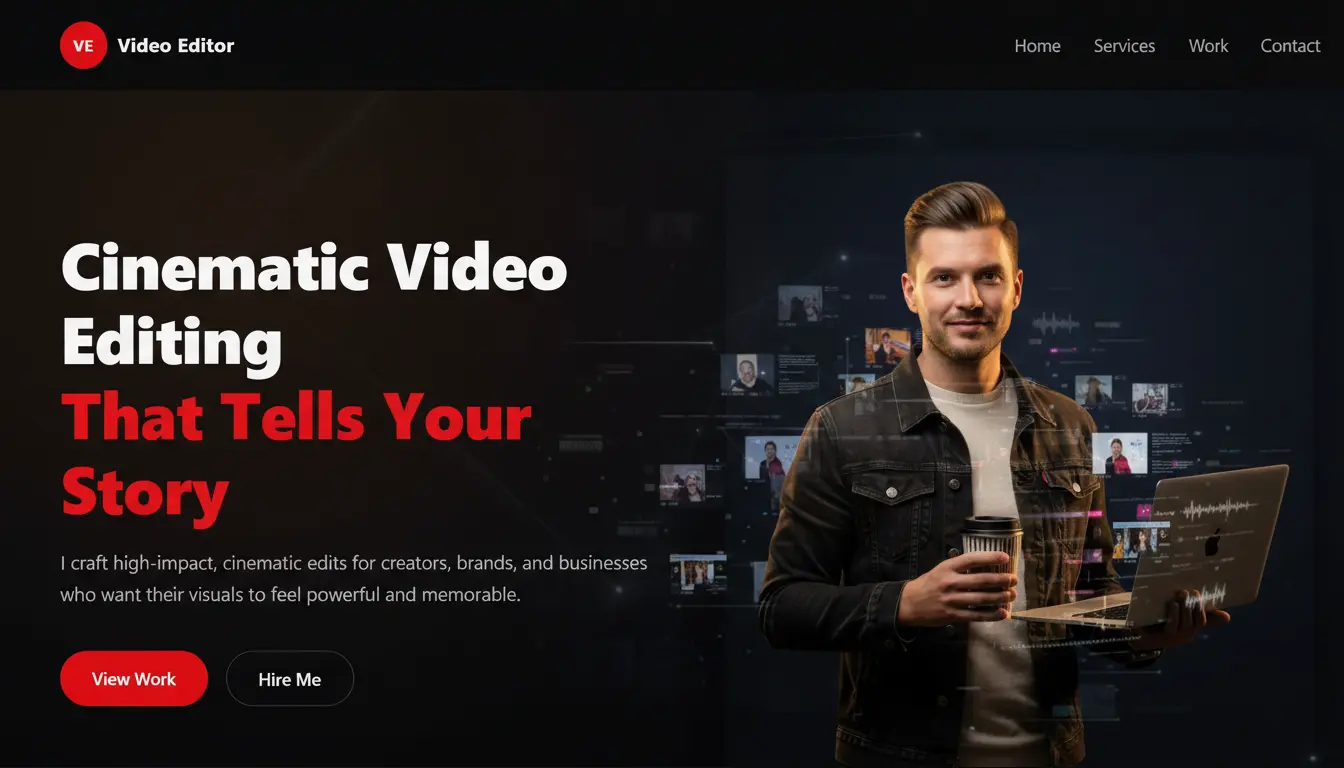
To make things even easier, I’m also providing free source code for a video editor portfolio website.
What’s Included:
-
Clean HTML structure
-
Separate CSS file
-
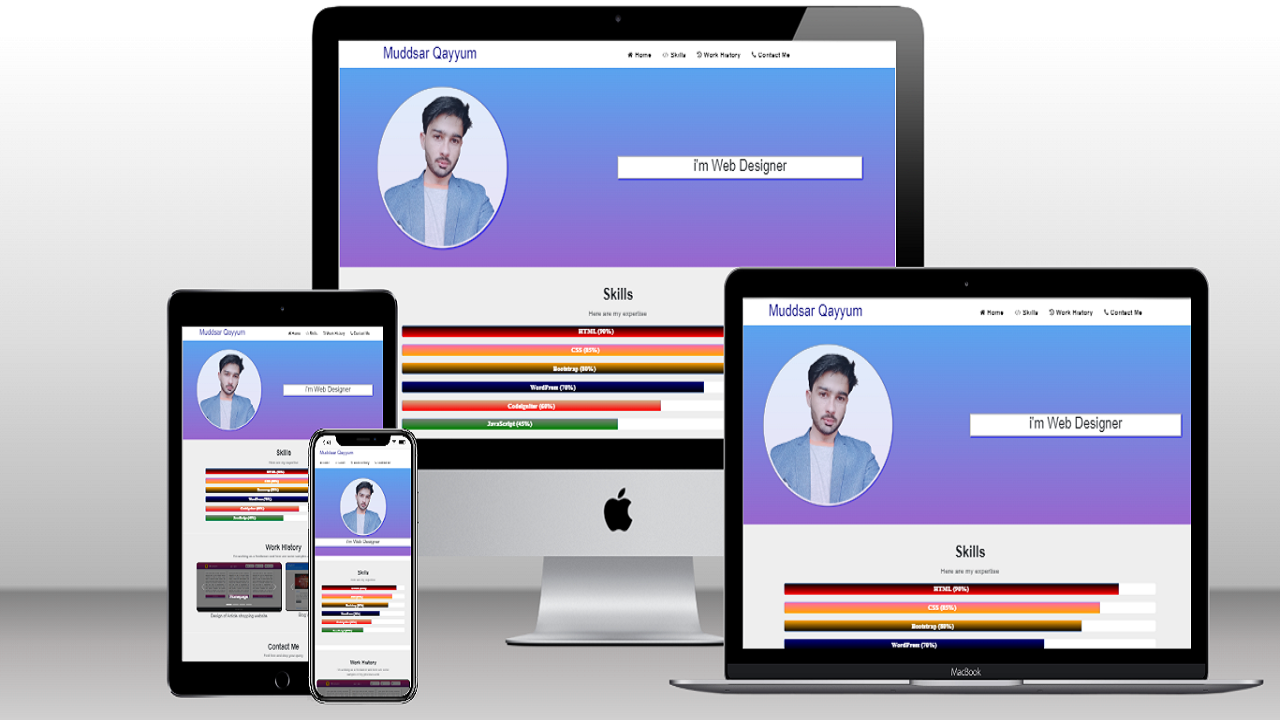
Responsive layout
-
Portfolio thumbnails section
-
Services and About section
-
Contact and social links
You can:
-
Edit it easily
-
Customize colors and fonts
-
Upload it to any hosting
-
Use it for personal or freelance projects
As a video editor, your portfolio website is your digital studio. Before a client watches your reel, they see your website. If that first impression is weak, they may never click play.
When I built my own website with AI assistance, I realized one thing clearly:
A well-written AI prompt can save hours of design thinking and planning.
In this post, I’m sharing one single AI prompt you can use to design a complete, modern, and professional video editor portfolio website—even if you are not a developer.
Why Video Editors Need a Strong Portfolio Website
Social media platforms change. Algorithms change. But your website stays under your control.
A good portfolio website helps you:
-
Show your best video projects in an organized way
-
Present your services clearly
-
Build personal branding
-
Get direct client inquiries
-
Stand out from editors who only share Google Drive links
And now, AI can help you plan this entire website in minutes.
One Powerful AI Prompt for a Video Editor Portfolio Website
You can copy and paste the prompt below into ChatGPT or any AI tool you use for web design planning.
Use it as it is 👇
“I want to design a one-page portfolio website for a professional video editor using HTML and CSS only. Create a modern, clean, and cinematic design style suitable for a creative video editor. Provide the website section by section, starting with the first section only, and wait for my instruction before moving to the next section. Do not add feedback or explanations. Each section should have separate HTML and CSS. The website should include these sections: Header with logo and navigation, Hero section with bold headline and call-to-action, Services section, Work Showcase / Portfolio section with video thumbnails, About Me section, Client Testimonials section, and a Contact section with social media links. The design should feel premium, minimal, and creative, suitable for freelancers and agencies.”
How to Use This Prompt Properly
-
Paste the prompt into the AI tool
-
Let it generate only the first section
-
Say: “Now give the next section”
-
Repeat until the full website is complete
-
Customize text, colors, and fonts to match your brand
This step-by-step flow keeps everything organized and avoids confusion.
Final Thoughts
You don’t need expensive tools or complex frameworks to build a strong video editor portfolio website.
You need clarity, structure, and a strong prompt.
This single AI prompt can help you:
-
Plan your full website layout
-
Maintain consistent design
-
Build faster with confidence
If you’re a video editor serious about your online presence, start with this prompt and shape it into your own style.