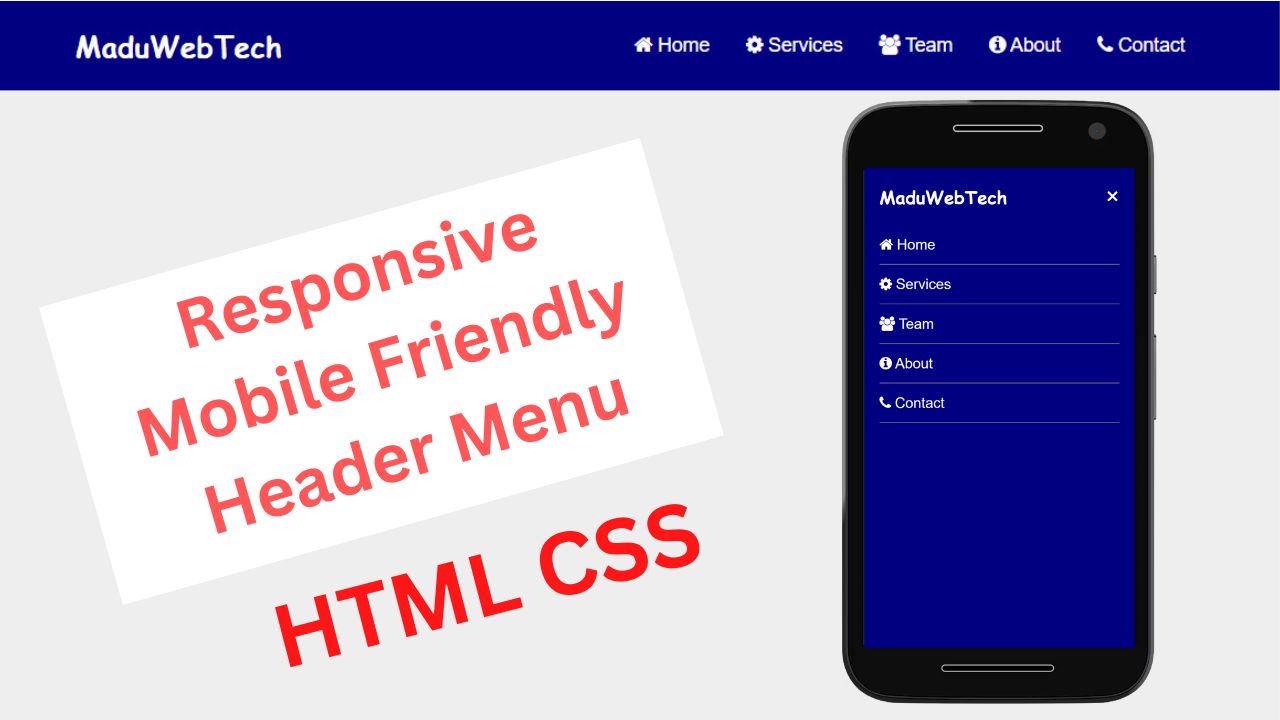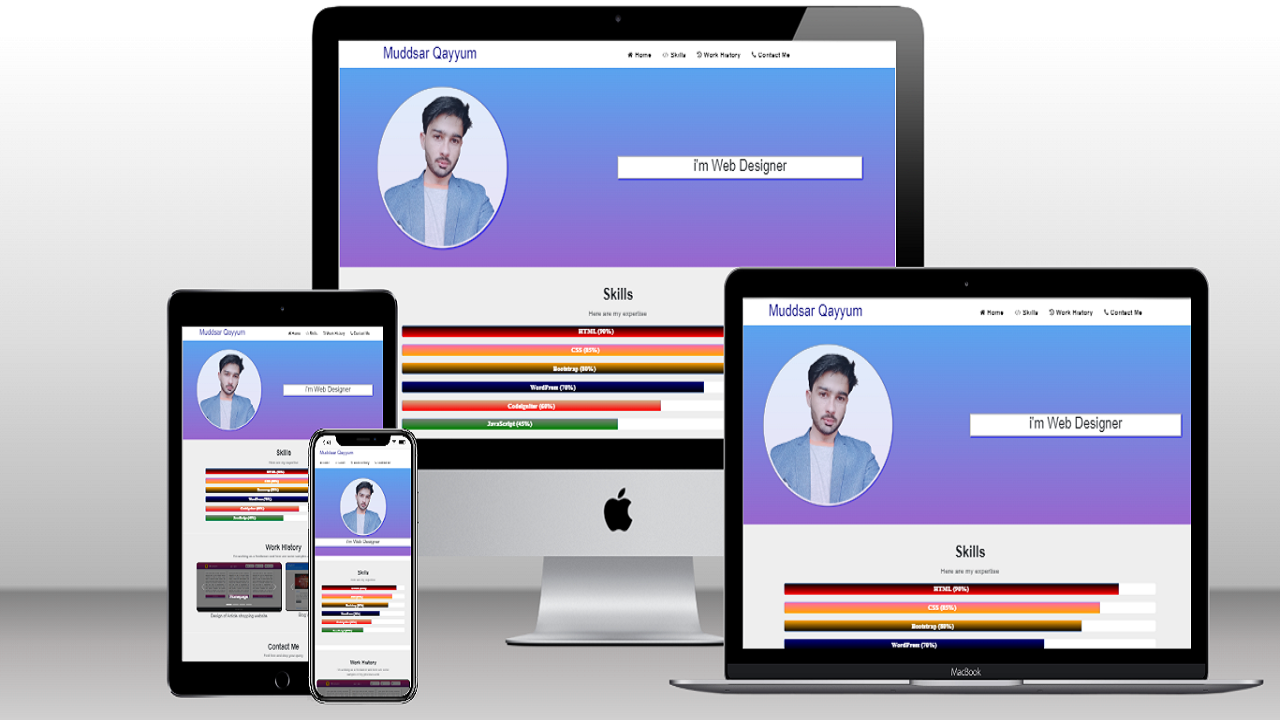
Designing a modern eCommerce website usually takes time — planning layouts, structuring sections, and writing clean code.
In this tutorial, I’ll show you how to design a professional one-page eCommerce website using HTML, CSS, Bootstrap, and AI (ChatGPT) — and I’m providing the complete source code and AI prompt for free.
This approach is perfect for beginners, students, and developers who want to learn how AI can speed up web design workflows.
What You’ll Learn in This Project
-
How a modern eCommerce website layout is structured
-
How to use ChatGPT to generate a clean base layout
-
How to improve and customize AI-generated code
-
How to manually add images and refine design
-
How to keep HTML & CSS clean, separate, and responsive
Website Sections Included
This one-page eCommerce website contains:
-
Header (Navbar with logo, menu & cart button)
-
Hero Section (store name, tagline & CTA)
-
Featured Categories
-
Products Section (6 products layout)
-
Customer Reviews / Testimonials
-
Special Offer / Call To Action
-
Footer
All sections are fully responsive and built using semantic HTML.
AI Prompt Used (ChatGPT)
You can copy and use the exact prompt below to generate the base layout using ChatGPT:
This prompt ensures clean output, proper structure, and full control over each section.
After AI: Manual Improvements
AI helps generate a strong base, but real quality comes from refinement.
After generating the layout, I manually:
-
Add real images
-
Fix spacing and alignment
-
Improve typography
-
Optimize responsiveness
-
Clean and organize CSS
This is the best way to combine AI + real development skills.
📁 Download Free Source Code
You can download the complete HTML, CSS, and assets here:
👉 Free Source Code: Download
You’re free to:
-
Use it in personal projects
-
Modify it for clients
-
Add it to your portfolio
Who Is This For?
-
HTML & CSS beginners
-
Web design students
-
Freelancers building portfolio sites
-
Developers curious about AI-assisted coding
Final Thoughts
AI like ChatGPT doesn’t replace developers — it helps developers work faster and smarter.
If you understand the fundamentals of HTML and CSS, AI can become a powerful assistant in your workflow.
If you found this helpful, feel free to share it and check out my YouTube channel for more tutorials.